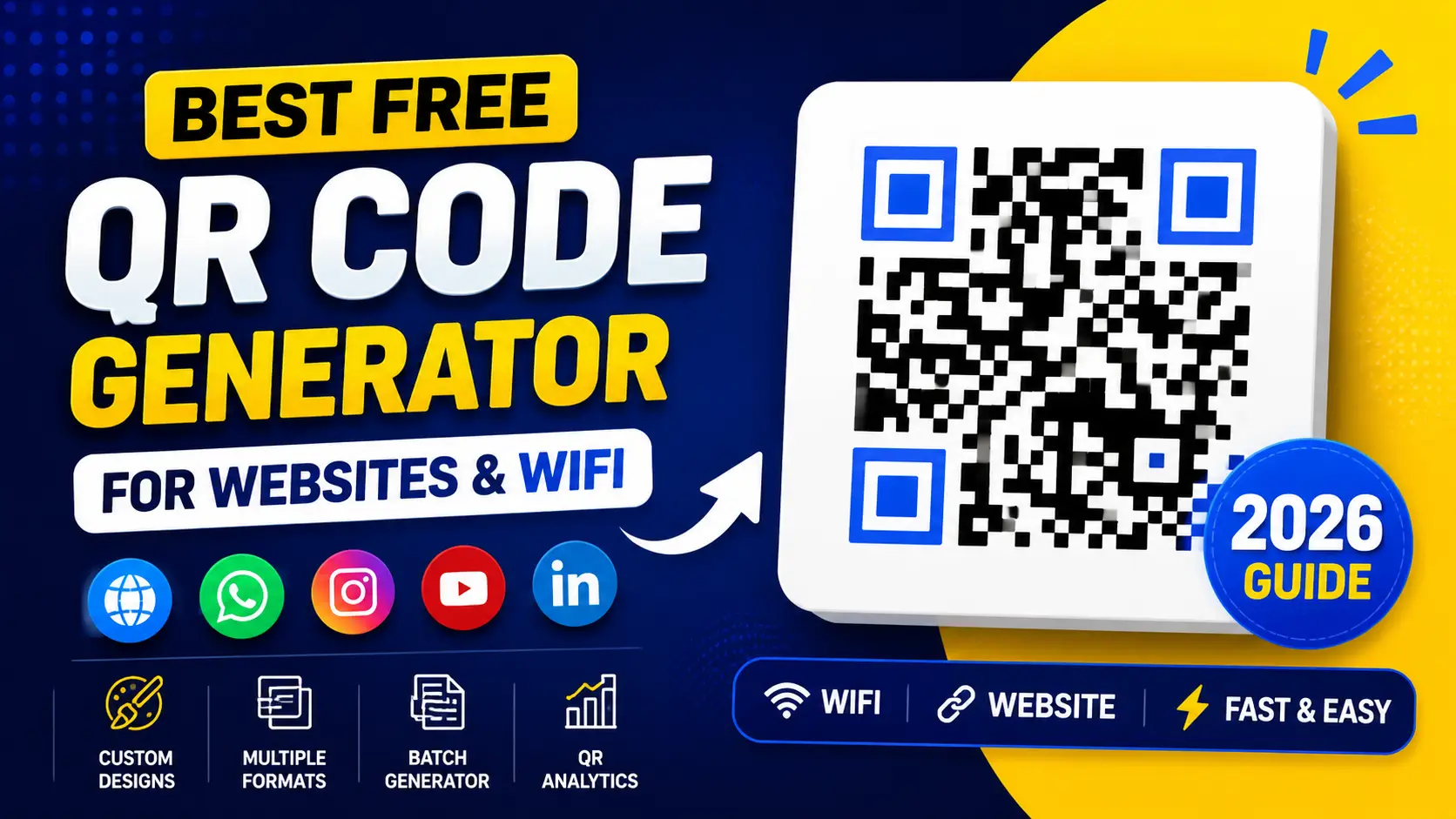
QR codes have become one of the simplest yet most powerful tools in the digital world. In 2026, their importance is even greater as businesses, creators, and individuals rely on fast, contactless, and mobile-friendly ways to share information. From website links to WiFi passwords, WhatsApp chats, social media pages, and product promotions, QR codes are everywhere.
Instead of manually typing long URLs or sharing complex information, users can simply scan a code and instantly access what they need. This is why demand for a free QR code generator online has increased rapidly.
Modern QR tools are no longer just basic generators. They now come with advanced features like design customization, batch creation, export options, and even analytics tracking. These improvements make QR codes more useful for marketing, business operations, education, and personal use.
In this guide, you’ll learn how to create QR codes instantly without signup, explore powerful features, and understand how to use them effectively for websites, WiFi sharing, and social platforms.
What is a QR Code Generator?
A QR code generator is a tool that converts text, links, or information into a scannable QR (Quick Response) code. When someone scans this code using a smartphone camera, they are instantly redirected to the stored content.
QR codes work by encoding data into a square-shaped pattern of black and white modules. These patterns can store URLs, text, contact details, WiFi credentials, and more.
Businesses use QR codes because they are:
Instead of printing long instructions or links, a simple QR code does the job in seconds. This is why tools like a QR code generator online free are widely used across industries.
Why Use a Web2F Free QR Code Generator in 2026?
In 2026, QR codes have become a basic need for fast and seamless digital communication. Businesses, freelancers, and even individuals now use QR codes to share information instantly without typing long links or details. Whether it’s a website, social profile, or WiFi access, QR codes make everything quicker and more user-friendly.
The Web2F Free QR Code Generator is designed to simplify this process even further. It removes unnecessary steps and lets you create professional QR codes in seconds.
With all these features combined, the Web2F QR Code Generator becomes a powerful solution for marketers, developers, agencies, and small businesses who need speed, flexibility, and professional results without any complexity.
Key Features of Our QR Code Generator Tool
Our QR code generator is built to be fast, flexible, and highly efficient for both personal and professional use. It combines powerful functionality with an easy-to-use interface so anyone can create high-quality QR codes in seconds without any technical knowledge.
• Multiple Content Types Supported
This tool is not limited to just website links. You can generate QR codes for a wide range of content types depending on your needs. It supports website URLs for quick access, WhatsApp chat links for direct messaging, Instagram profiles for social growth, YouTube channels for video promotion, LinkedIn profiles for professional networking, and even WiFi credentials for instant internet sharing.
With all these options in one place, it becomes a complete solution for all types of digital sharing requirements.
• Custom Design Options
Unlike basic QR generators, this tool gives you full control over design and appearance. You can make your QR codes look modern, clean, and branded according to your style or business identity.
You can customize outer frames, adjust corner eye shapes, and apply modern styling options to make your QR codes visually attractive. This is especially useful for businesses that want their QR codes to look professional and match their brand identity in marketing materials.
• Export Formats & Sizes
To ensure maximum compatibility across different platforms, this tool supports multiple export formats and sizes. You can download your QR codes in PNG format for general use, SVG format for high-quality scalable design work, and WEBP format for optimized web performance.
You also get full control over size selection, including 150px, 200px, 300px, 512px, 800px, and 1024px. This flexibility ensures your QR codes look sharp whether they are used on websites, social media, or printed materials like flyers and packaging.
• Batch QR Code Generator
One of the most powerful features of this tool is batch generation. Instead of creating QR codes one by one, you can generate multiple QR codes at the same time in just a few clicks.
This is especially useful for product packaging, where each item may need a unique QR code, marketing campaigns that require multiple links, event tickets with individual access codes, or bulk URL sharing for large-scale projects. Once generated, all QR codes can be downloaded together in a single ZIP file, saving both time and effort.
• QR Code Analytics (Optional Feature)
For advanced users and businesses, the tool also provides basic analytics to help track performance. You can monitor how many QR codes have been generated, track download activity, and view QR generation history.
These insights help businesses understand usage patterns and improve their marketing strategies over time. It’s a simple but effective way to keep track of how your QR codes are performing in real-world use.
How to Create a QR Code (Step-by-Step Guide)
Creating a QR code with the Web2F tool is very simple and does not require any technical skills. The process is designed to be fast, beginner-friendly, and fully guided so anyone can generate a QR code within seconds.
• Step 1: Enter Your Content
Start by adding the content you want to convert into a QR code. This can be a website URL, a WhatsApp chat link, or any custom text you want to share. Just paste or type your information into the input field, and the tool will prepare it for conversion.
• Step 2: Select QR Type
Next, choose the type of QR code you want to generate based on your purpose. The tool provides multiple options so you can easily match your use case.
• Step 3: Customize Design
After selecting the type, you can personalize the look of your QR code. This step helps you make your QR code more professional and visually appealing.
You can adjust the frame style, change the size according to your requirement, and modify the shape to match your branding or design preference.
• Step 4: Generate QR Code
Once everything is set, simply click the “Generate QR Code” button. The tool will instantly create your QR code and show a live preview so you can see the final result immediately.
• Step 5: Download or Share
After generating the QR code, you can download it in your preferred format. The tool supports multiple export options so you can use it anywhere without issues.
You can also share your QR code directly depending on your needs, making it quick and convenient for both personal and business use.
How to Make a WiFi QR Code Instantly
WiFi QR code generation is one of the most practical features of this tool because it removes the need to manually type passwords. Instead of sharing long or complex WiFi credentials, you can simply generate a QR code and let users connect instantly by scanning it.
This feature is especially useful in places where many people need access, such as homes, offices, cafes, restaurants, and public spaces. It improves convenience, reduces errors, and creates a smoother user experience for everyone.
• Benefits of WiFi QR Code Generator
Using a WiFi QR code makes internet sharing much easier and more secure compared to traditional methods.
• Steps to Create a WiFi QR Coder
Creating a WiFi QR code with this tool is very simple and takes only a few seconds. Just follow these easy steps:
Once the QR code is generated, anyone can easily connect to your WiFi network by simply scanning it with their mobile camera, without needing to enter the password manually.
Batch QR Code Creation for Agencies & eCommerce
Batch QR code generation is a powerful feature designed specifically for businesses that need efficiency and speed. Instead of creating QR codes individually one by one, this tool allows you to generate multiple QR codes at the same time, saving a significant amount of time and effort. It is especially useful for companies that handle large volumes of data or products on a regular basis.
This feature is widely used in retail businesses for product labeling, where each item requires a unique QR code for tracking or information access. It is also highly effective in marketing campaigns where multiple landing pages or promotional links need separate QR codes. Event management teams can use it for generating unique QR codes for registration systems, tickets, and attendee verification. Similarly, it plays an important role in inventory tracking, helping businesses manage and organize stock more efficiently.
Overall, batch QR code generation is a highly valuable feature for agencies, eCommerce brands, and growing businesses that require fast, scalable, and organized QR code creation without manual repetition.
How to Make QR Codes Scan Faster and Better
A fast and reliable QR code scan experience is very important for both users and businesses. If a QR code is too complex, poorly designed, or low quality, it can slow down scanning or even fail to work properly. By following a few simple best practices, you can significantly improve scan speed, accuracy, and overall user experience. These small adjustments also help ensure your QR codes work smoothly across all devices and camera types.
Why Choose the Web2F QR Code Generator Tool?
There are many QR code tools available online, but the Web2F QR Code Generator stands out because it is designed with both simplicity and performance in mind. It focuses on giving users a fast, reliable, and fully flexible experience without any unnecessary steps or restrictions. Whether you are a beginner or a professional, this tool is built to handle all types of QR code needs in one place.
The Web2F QR tool does not require any signup, allowing users to start generating QR codes instantly without creating an account or sharing personal details. It is completely free to use, making it ideal for students, freelancers, marketers, and businesses who want a cost-effective solution. The tool is also optimized for speed, ensuring that QR codes are generated within seconds without delays.
Another key advantage is its advanced customization system, which allows users to design QR codes with different styles, frames, and shapes to match their branding needs. It also supports multiple export formats like PNG, SVG, and WEBP, giving full flexibility for both digital and print use. For business users, the batch QR generation feature makes it possible to create multiple QR codes at once, saving a significant amount of time and effort.
Overall, the Web2F QR Code Generator is built to serve everyone, from beginners who need a simple tool to professionals who require advanced features. It combines speed, flexibility, and reliability in one platform, making it a complete QR code solution.
Why QR Codes Are Essential in 2026
In 2026, QR codes have become a core part of everyday digital interaction, connecting the physical and online world in a fast and seamless way. They are no longer just a convenience feature but an essential tool for communication, marketing, and information sharing across almost every industry. From businesses to individuals, everyone relies on QR codes to make access to information quicker and more efficient.
QR codes eliminate the need for typing long URLs, sharing complex instructions, or manually entering data. With a simple scan, users can instantly open websites, join WiFi networks, access social media pages, or complete digital actions in seconds. This speed and simplicity make them highly effective in improving user experience.
For businesses, QR codes are especially valuable in 2026 because they enhance customer engagement, support digital marketing campaigns, and improve product accessibility. They are widely used in retail, restaurants, events, education, and eCommerce to bridge the gap between offline and online experiences.
Overall, QR codes are essential in 2026 because they offer speed, convenience, and universal accessibility, making digital interactions smoother and more efficient for everyone.