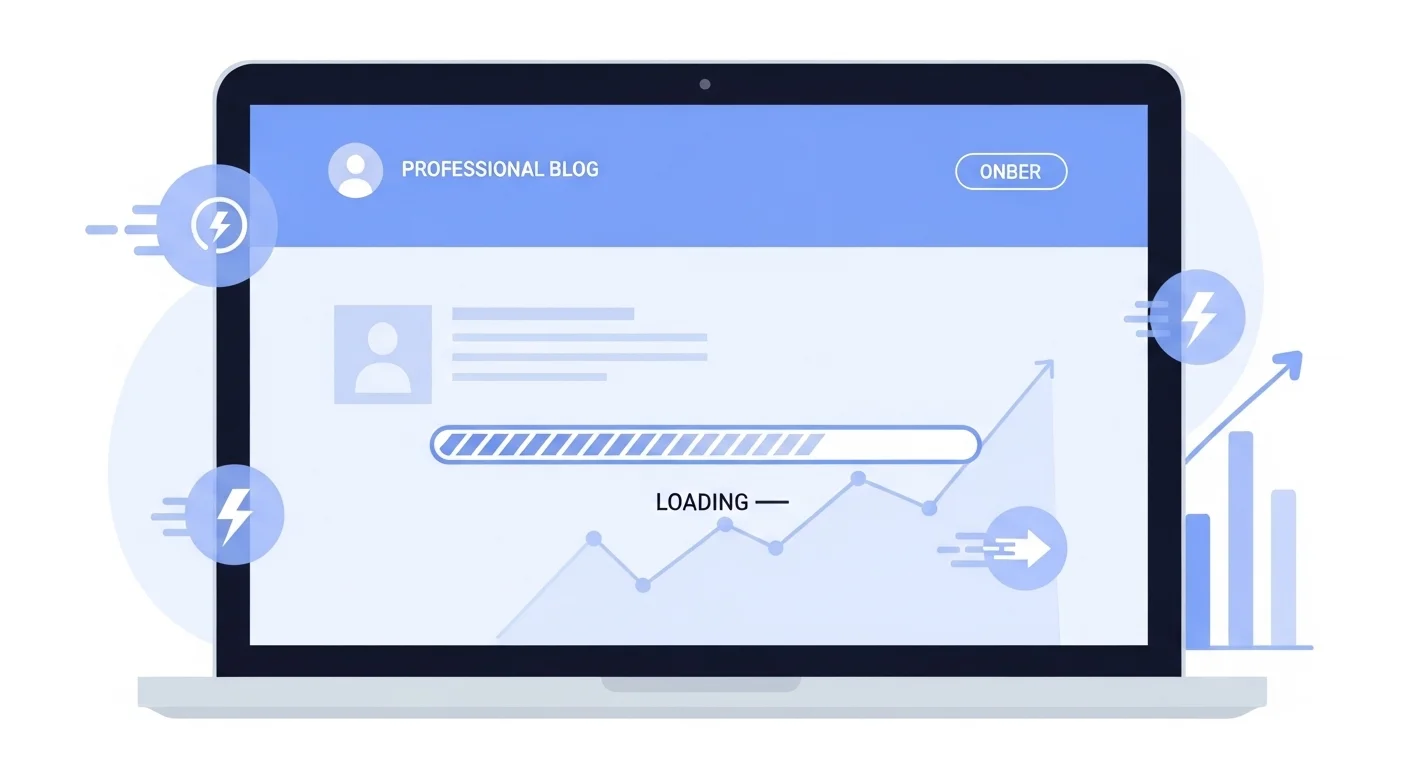
A slow website is one of the biggest reasons small businesses lose customers online. If your site takes more than a few seconds to load, visitors leave, your Google ranking drops, and your sales suffer.
In 2026, website speed is not just a technical issue. It is a business growth factor. Google uses page speed as a ranking signal, and users expect fast-loading pages on both mobile and desktop.
In this guide, you will learn why your website is slow, how to fix a slow website step by step, and the best tools to test and improve website speed quickly.
Why Your Website Is Slow?
Many small business websites become slow because of poor setup and lack of optimization. Over time, plugins, large images, and heavy scripts make the site heavier and harder to load.
Here are the most common reasons:
When your website loads slowly, it increases bounce rate and reduces conversions. Google also sees slow performance as a poor user experience, which can push your site down in search results.
If you want more organic traffic, better leads, and higher trust, improving website performance should be your top priority.
How to Fix a Slow Website Step by Step?
You don’t need to rebuild your website to make it faster. With the right optimizations, you can fix a slow website in one day. The steps below focus on improving website performance, reducing load time, and creating a better user experience.
1. Optimize Your Images
Large images are one of the biggest reasons a website loads slowly. High-resolution photos take more time to download and increase page size.
Use image compression tools and always upload images in web-friendly formats such as WebP or optimized JPG. This reduces file size without affecting visual quality and helps your pages load much faster.
2. Enable Caching
Caching stores a ready-made version of your website pages. When a user visits your site again, the cached version loads instantly instead of being generated from scratch.
This significantly improves page speed and reduces server load, especially for repeat visitors.
3. Remove Unused Plugins
Every plugin adds extra scripts, styles, and database queries to your website. Too many plugins slow your site down and increase security risks.
Delete the plugins you no longer use and replace heavy ones with lightweight alternatives to improve performance.
4. Use a Faster Hosting Provider
Cheap or shared hosting often struggles with traffic and slow server response times. This directly affects how fast your website loads.
Switch to a reliable hosting provider that offers SSD storage, CDN integration, and strong server performance for better speed and stability.
5. Minify CSS, JavaScript, and HTML
Minifying removes unnecessary spaces, comments, and code from your website files.
This makes your files smaller, so they load faster and reduce the time it takes for your pages to display.
6. Enable Lazy Loading
Lazy loading ensures that images and videos only load when the user scrolls to them.
This reduces the initial load time of your website and improves overall performance, especially on mobile devices.
7. Use a Content Delivery Network (CDN)
A CDN stores your website files on multiple servers around the world. When a user visits your site, content loads from the nearest server.
This improves global loading speed and provides a faster experience for visitors in different locations.
Applying these steps will help you fix a slow website, improve page speed, and create a smoother browsing experience for your users.
Tools to Test and Improve Website Speed
To fix a slow website properly, you must test it first. Speed testing tools help you understand what is slowing your site down and where improvements are needed. These tools analyze your load time, page size, and performance issues on both mobile and desktop devices. Once you know the problem areas, you can apply the right fixes to improve speed and user experience.
Below are the most reliable tools to test and improve website performance.
Google PageSpeed Insights
Google PageSpeed Insights checks your website on both mobile and desktop and shows how Google sees your performance. It highlights issues such as large images, unused scripts, and slow server response. The tool also provides clear recommendations that can help you improve your website’s Core Web Vitals and search rankings.
GTmetrix
GTmetrix gives a detailed performance report including page load time, total page size, and the number of requests. It also shows which elements are slowing your website and how they affect your speed. This tool is very useful for tracking improvements after you apply optimizations.
Pingdom
Pingdom tests your website’s loading speed from different global locations. It helps you understand how fast your site loads for users in various regions. This is especially important for small businesses that serve international or regional customers.
WebPageTest
WebPageTest provides advanced performance analysis with waterfall charts and detailed loading timelines. It shows how each part of your website loads and where delays occur. This tool is perfect for deep performance testing and technical improvements.
After testing your site, follow the recommendations from these tools to improve website speed, reduce load time, and provide a smoother, faster user experience for your visitors.
Final Thoughts
A slow website doesn’t just waste time, it quietly pushes customers away. In today’s world, people expect pages to load fast, and Google rewards websites that give users a smooth experience. When your site is fast, everything works better: your traffic, your rankings, and your chances of turning visitors into customers.
You don’t need to do everything at once. Start with one or two fixes from this guide, test your speed, and keep improving step by step. Even small changes can make a big difference over time.
If you ever feel stuck or don’t know where to start, Web2F is here to help. Our goal is simple: make your website faster, easier to use, and ready to grow your business in 2026 and beyond.